

Hi all,
Jay from Shadow here.
The holiday season is coming early and we've got some big gifts for you.
Smarter Screenshots
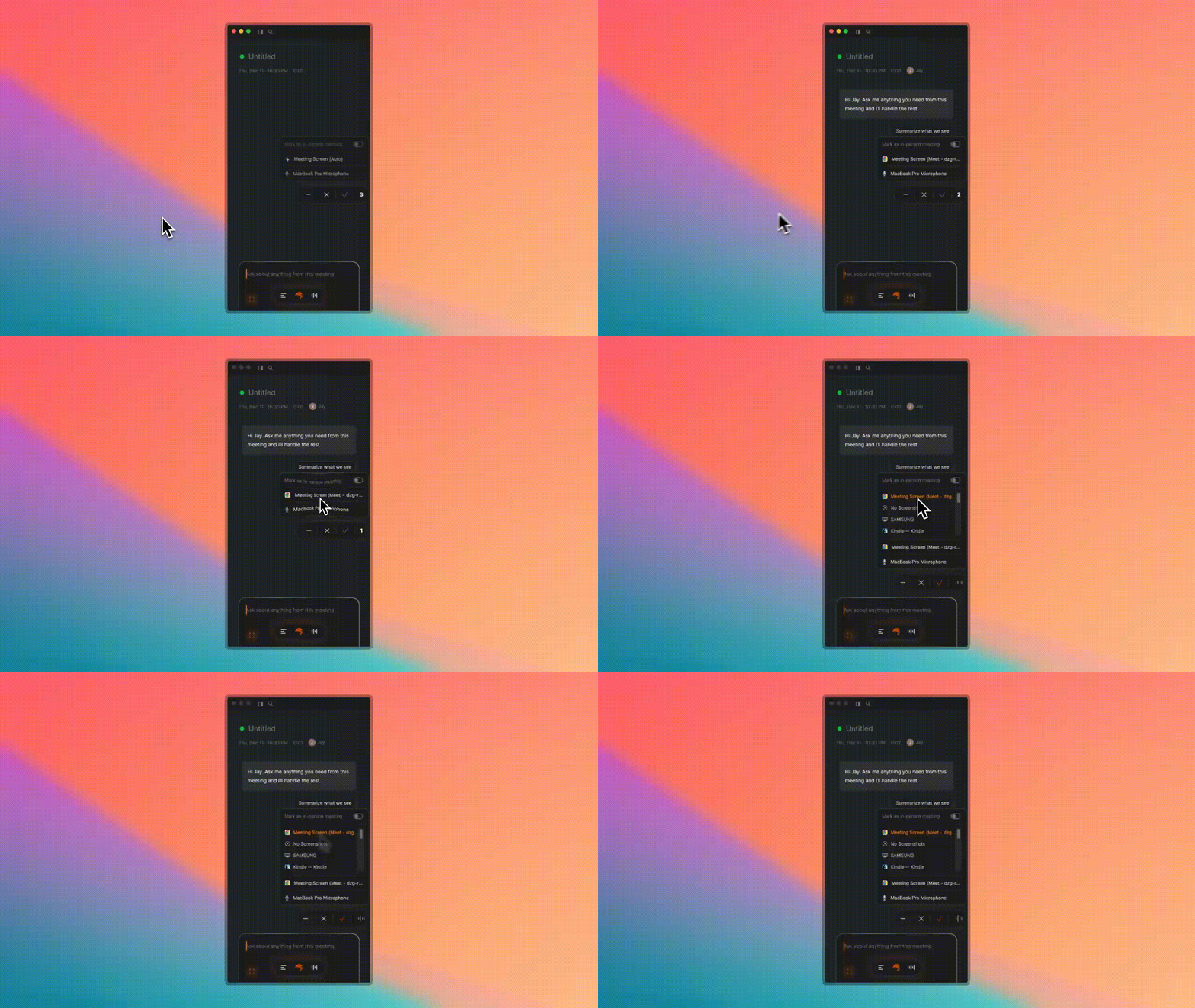
Shadow now automatically detects and captures your meeting screen by default no manual setup needed.
A few things to keep in mind with auto mode:
- Google Meet: If you leave the meeting tab during meeting, Shadow can't capture it. (Pro tip: open Google Meet in a separate window.)
- Zoom & Teams: The window disappears when you share your screen.
- Slack Huddle: Works when the huddle window is open.
All New Skills
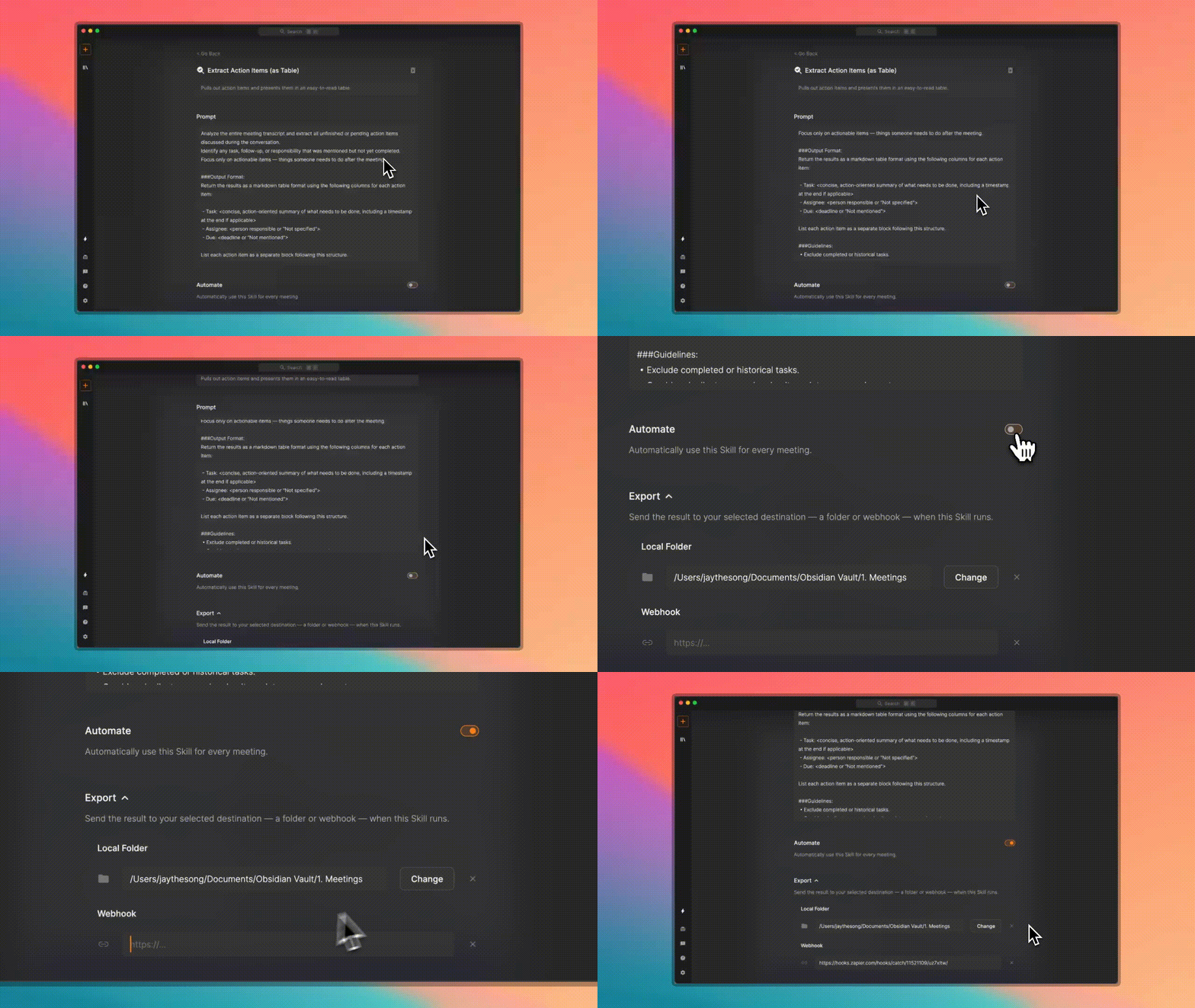
Skill is now even more powerful.
- Every Skill is now fully customizable. Edit or write any prompt to run your post-meeting work better.
- Every Skill result is now exportable as a .md file or through webhook. Connect to your favorite app directly or through Zapier, n8n, and more.
Ask About What You Saw
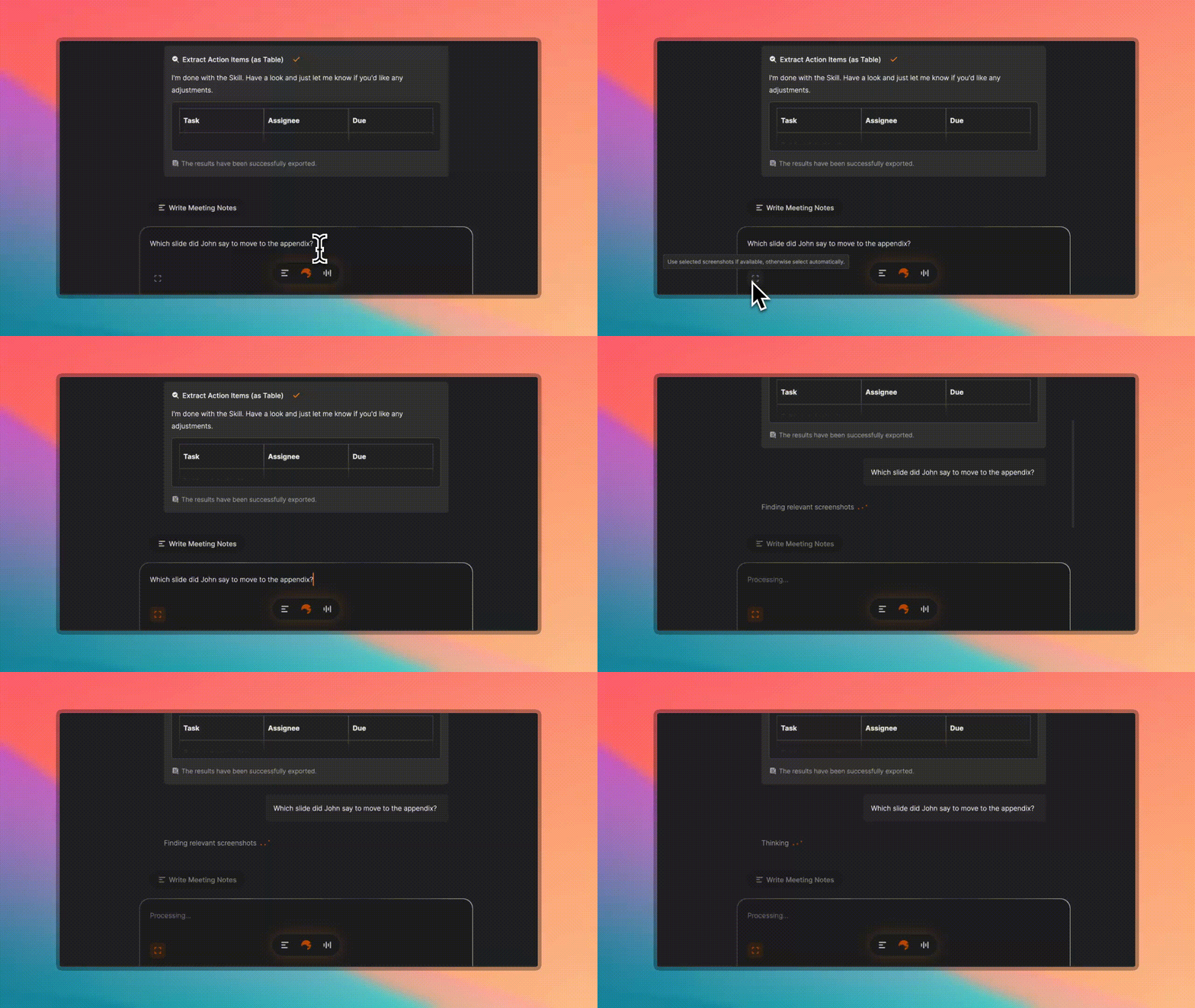
Ask anything about your meeting, and Shadow will now pull in relevant screenshots automatically.
It's not just transcription anymore it's full meeting understanding.
More Stable, More Polished
As always, the team has improved overall experience and stability thanks to our supportive community!
Lastly, we're Launching on Product Hunt Soon. Your support would mean the world to us. Stay tuned we'll share the link when we go live.
Thanks again for being on this journey with us.
Questions or feedback? Always happy to hear from you.
Jay - Founder and CEO of Shadow