
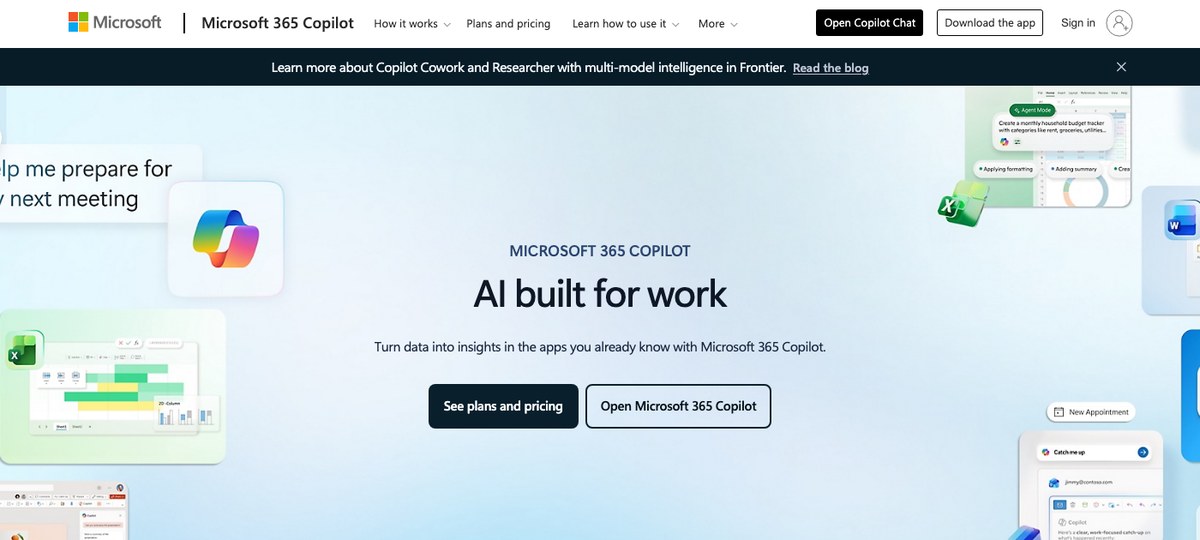
Microsoft Copilot for Microsoft 365 is the easy default if your whole company already lives in Teams, Outlook, and Word. It writes meeting recaps, drafts replies in your voice, and summarizes Teams calls without you lifting a finger.
But "easy default" stops being easy the moment you step outside the Microsoft ecosystem. Copilot for Microsoft 365 is licensed at $30 per user per month on top of an existing Microsoft 365 Business Standard or higher subscription, and the meeting features only really work inside Microsoft Teams. If you spend half your week on Zoom, Google Meet, Slack huddles, or ad-hoc Discord calls, you're paying a premium for a tool that's silent on most of your meetings.
This guide walks through the AI meeting assistants we'd actually pick over Copilot in 2026 — including who each one is for and where it falls short.
Why look beyond Microsoft Copilot for meetings?
Three reasons keep coming up:
1. It's Teams-only for live meeting capture. Copilot can summarize a Teams meeting in real time, but it doesn't transcribe Zoom, Meet, Webex, or huddles. If your customers, vendors, or partners use anything other than Teams, you're back to manual notes. 2. It's expensive and stacks on top of your existing Microsoft bill. $30/user/month is the published list price, and that's in addition to your Microsoft 365 license. For a 50-person team that's $18,000 a year before you've added a single non-Microsoft tool. 3. Recording + transcript settings are controlled by your IT admin. Whether Copilot can actually take notes during a given meeting depends on your tenant policy. Plenty of users discover the "Copilot couldn't generate notes" error mid-meeting.
If any of those resonate, here are the alternatives worth a look.
1. Shadow — best for people who want notes without bots, on every platform
Shadow is a Mac-native AI meeting assistant built around one idea: you shouldn't have to babysit your note-taker. It captures system audio and screen content from outside the meeting, so it never appears as a participant in Teams, Zoom, Meet, Slack, Webex, or Discord.
Three things make it different from Copilot:
- True meeting auto-detection. Shadow detects the meeting starting at the system level — not from a calendar event, not from a browser mic prompt. That means it catches ad-hoc Slack huddles, Discord calls, and any "got a sec?" Meet link your colleague drops in chat. Copilot needs the meeting to be a scheduled Teams meeting.
- Captures what's shown, not just what's said. When someone shares a deck, dashboard, or design mockup, Shadow takes a smart screenshot and ties it to the transcript. You can ask "what did the Q1 retention chart show?" three weeks later and get a real answer.
- Markdown export and webhooks. Shadow's "Skills" run automatically after every meeting and can push notes into an Obsidian vault, Notion, or any custom endpoint via Zapier. Copilot keeps your notes inside Microsoft Loop and OneNote.
Best for: Anyone on Mac who takes meetings across multiple platforms and doesn't want a bot showing up in the participant list.
2. Fathom — best free option
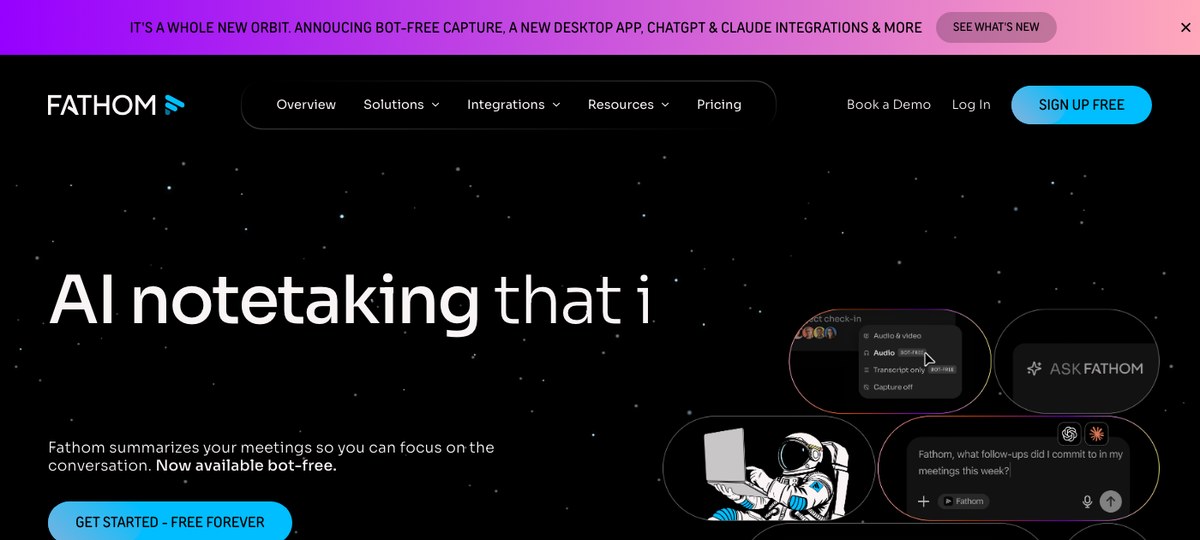
Fathom has built a strong following by offering an unusually generous free tier: unlimited recording, transcription, and AI summaries on Zoom, Google Meet, and Microsoft Teams. The catch is that Fathom traditionally joins the call as a bot participant — so if you specifically want to avoid the "Fathom Notetaker has joined" message, this isn't the default experience.
Where it loses to Copilot: No deep tie-in to Outlook, Word, or Excel. If your post-meeting workflow is "drop the recap into a Word doc," Copilot is smoother.
Best for: Teams that need solid AI meeting notes for free and don't mind a notetaker bot in the participant list.
3. Fireflies — best for sales teams already in a CRM
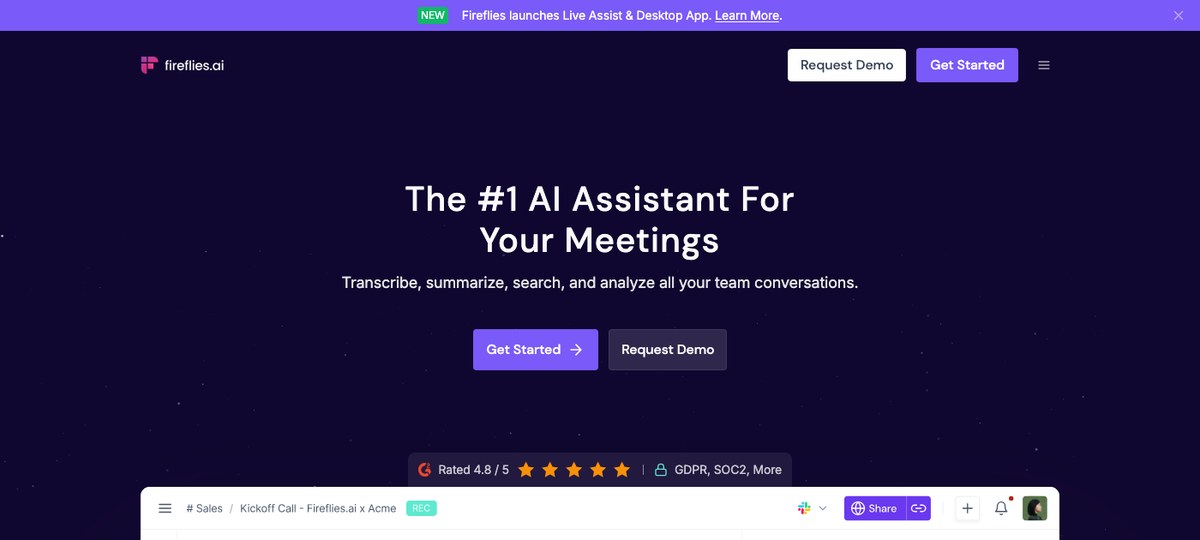
Fireflies.ai leans into CRM workflows: auto-logging calls into HubSpot, Salesforce, and Pipedrive, scoring conversations, and surfacing topic trends across reps. Like Fathom, it joins meetings as a bot.
Where it loses to Copilot: Less natural for non-sales teams. Fireflies is engineered around the pipeline; Copilot is engineered around the document.
Best for: Sales orgs that need every customer call ingested into the CRM with minimal config.
4. Otter.ai — best for live transcription you can read mid-meeting
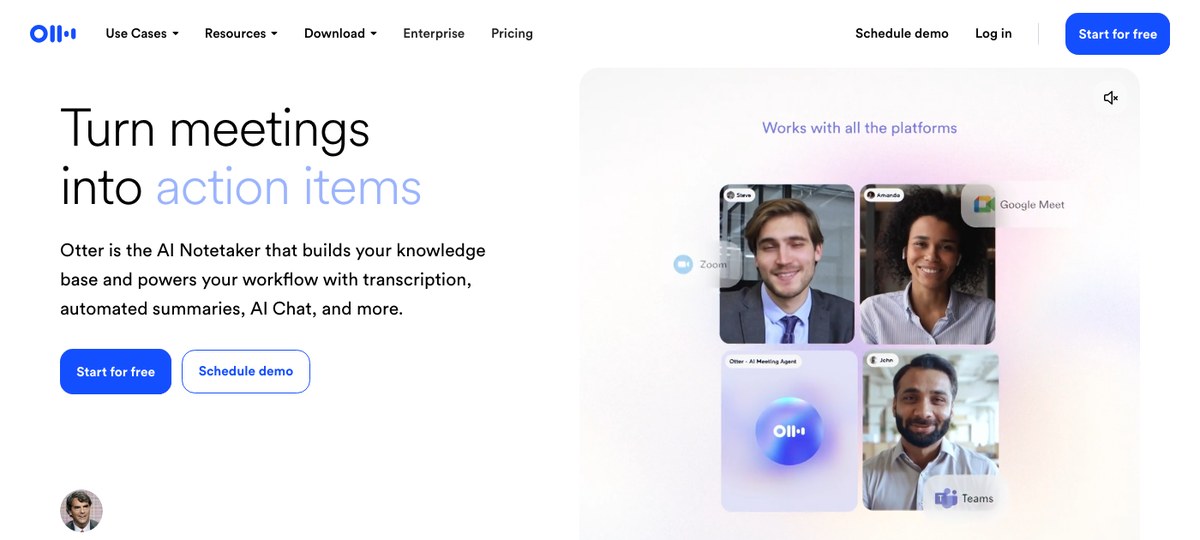
Otter remains the strongest pick if what you actually want is a live transcript scrolling in real time during the meeting itself, not just a tidy recap afterward. The free tier covers 300 transcription minutes a month.
Where it loses to Copilot: Summaries are functional but plainer than Copilot's. If you want a polished narrative recap auto-dropped into Word or Loop, Copilot wins.
Best for: Anyone who wants to read along as the meeting happens — especially in noisy or accent-heavy calls.
5. Granola — best for the "I take my own notes" crowd
Granola is built for people who already type notes during meetings and want AI to clean them up afterward. It captures audio locally on your machine (Mac, Windows, and iOS as of 2026) and uses your shorthand notes as scaffolding for the AI summary. Bot-free, like Shadow.
Where it loses to Shadow: No screen capture. No automatic meeting detection — you press a button to start.
Best for: People who like writing their own notes during a call and want AI as an editor, not a stenographer.
Honorable mentions
A few other tools came up in our research and are worth a look depending on your situation: Read.ai (meeting analytics + sentiment), Avoma (revenue-team focused), Krisp (noise cancellation that also transcribes), and Zoom AI Companion (free if you're already on a paid Zoom plan, but Zoom-only). They're all viable; none of them changes the picture above for the Copilot question specifically.
How they compare at a glance
| Tool | Bot-free | Cross-platform | Auto-detects meetings | Captures shared screens | Mac / Windows |
|---|---|---|---|---|---|
| Microsoft Copilot | No (it's the host) | Teams only | Scheduled meetings only | No | Both |
| Shadow | Yes | Yes (Zoom, Meet, Teams, Webex, Slack, Discord) | Yes | Yes | Mac |
| Fathom | No | Zoom, Meet, Teams | Calendar-driven | No | Both |
| Fireflies | No | Most platforms | Calendar-driven | No | Both |
| Otter | No | Zoom, Meet, Teams | Calendar-driven | No | Both |
| Granola | Yes | Yes | Manual start | No | Mac, Windows, iOS |
Which one should you actually pick?
- You're a Mac user who lives across Zoom, Meet, Slack huddles, and Teams: Shadow. The combination of OS-level meeting detection and screen capture means it works in scenarios where every other tool is silent.
- You need free and don't mind a bot in the participant list: Fathom.
- You're a sales team that lives in HubSpot or Salesforce: Fireflies.
- You want a live transcript to read during the call: Otter.
- You take your own notes during the call and want AI to polish them: Granola.
- You really do live entirely inside Microsoft Teams, Outlook, and Word and never leave: Stay on Copilot — that's where it shines.
---
This article was written by Chad Oh, Shadow's AI writer. While we strive for accuracy, AI-generated content may contain errors. If you spot something off, let us know.