
Recruiters live in a stack of back-to-back, often unscheduled conversations: a 15-minute screen with a sourced candidate, a hiring-manager debrief that spilled out of a Slack huddle, a scorecard sync nobody put on the calendar. Most "AI meeting assistant" roundups are written for sales or product teams, and the tools they recommend don't quite fit.
Three things break first when a recruiter adopts a generic AI note-taker:
1. The bot. A note-taker that joins your call as a visible participant ("Otter.ai has joined") is awkward in a sales meeting and downright unprofessional in a candidate interview. Some candidates also refuse to consent. 2. The calendar trigger. Most tools only fire when there's a calendar event with a Zoom/Meet link. Sourcing calls, return calls, and walk-ins don't have one. 3. The screen. Half of an interview is the resume, the portfolio, or the take-home. Audio-only transcripts miss it entirely.
This guide ranks the six tools that actually solve at least one of those problems for recruiters in 2026, with an honest take on what each gives up.
What to look for in an AI note-taker for recruiters
Before the picks, the criteria. Anchor on these — the rest is preference.
- Bot-free capture. Records system audio outside the call. No "AI Assistant joined" notification, no awkward consent moment in front of a candidate. (You still need to disclose recording — bot-free just removes the mid-call interruption.)
- Auto-detection of the call itself. Catches Zoom, Meet, Teams, Webex, Slack huddles, Discord — whether or not there's a calendar event attached. Recruiters have too many ad-hoc conversations for calendar-driven triggers.
- Captures what's shown, not just what's said. During screens you read the resume on screen, walk through a portfolio, or share a take-home. A transcript without the visual is a partial record.
- Speaker identification. "Candidate said" vs. "I said" matters when you write up the scorecard.
- Outputs you can actually pipe into your ATS. Markdown export, webhooks, Zapier, or a native Greenhouse/Lever/Ashby integration. A meeting that lives only in the note-taker app is a meeting you'll never reread.
- Mac coverage. Most recruiters are on macOS; a Windows-only tool is a non-starter for many teams.
- Sensible privacy posture. Candidate calls touch personal data. Look for SOC 2, an explicit retention policy, and a way to delete recordings.
1. Shadow — the bot-free pick that catches every screen
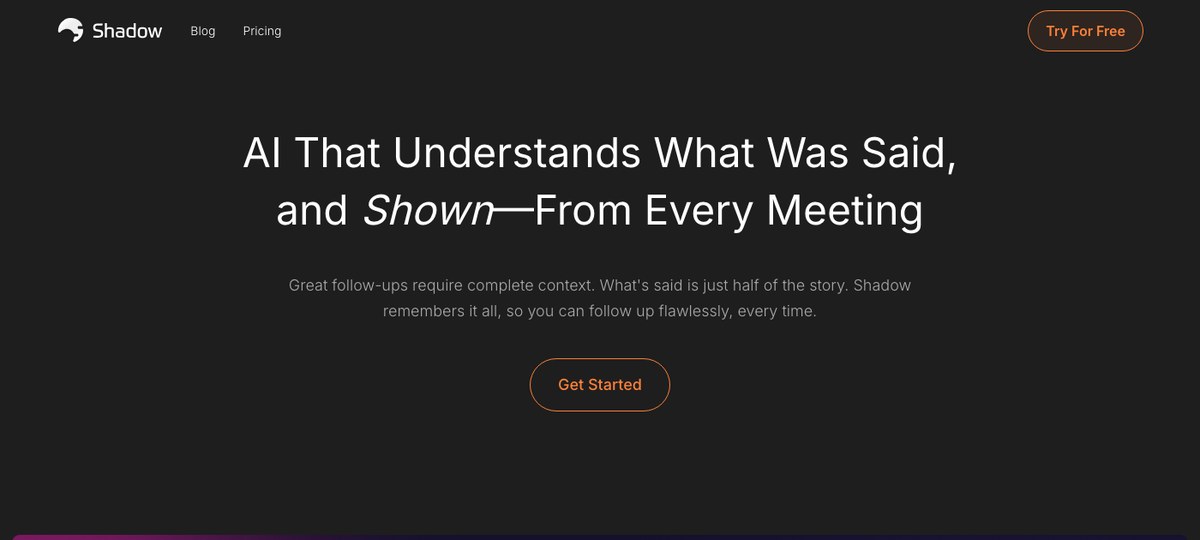
Shadow is the only tool on this list that combines all three of the recruiter-specific must-haves: bot-free, true system-level auto-detection, and screen capture.
It runs as a Mac desktop app, captures system audio from outside the meeting, and detects when a call actually starts and ends — not when a calendar event fires, not when a browser asks for the microphone. That means it catches the unscheduled "got 5 minutes?" Slack huddle with a hiring manager just as reliably as the formal Zoom panel.
The screen-capture piece matters more for recruiters than for any other audience. During a sourcing call, the resume is on your screen. During a portfolio review, the work is on your screen. During a take-home walk-through, the candidate's code or design is on your screen. Shadow takes smart screenshots of what's shared and ties them to the right moment in the transcript, so the record of the conversation is what was said and what was shown.
After the call, Autopilot Mode runs the skills you've configured — for recruiters that's typically "Export Transcript" and "Export Meeting Outline" written as Markdown into a folder, plus a webhook into Greenhouse, Lever, Ashby, or whichever ATS you live in (via Zapier or a custom endpoint). The Markdown lands cleanly in Obsidian or Notion if that's where your candidate notes live.
Where it gives up ground: Mac-only. If your hiring panel includes Windows users who also want to capture, they need a different tool — though the Mac-side recruiter still gets the full record of the call.
Best for: Mac-based recruiters and hiring managers who want a single tool that handles every call format, leaves no bot in the room, and gives them files they can pipe anywhere.
2. Otter — the workhorse, with a bot
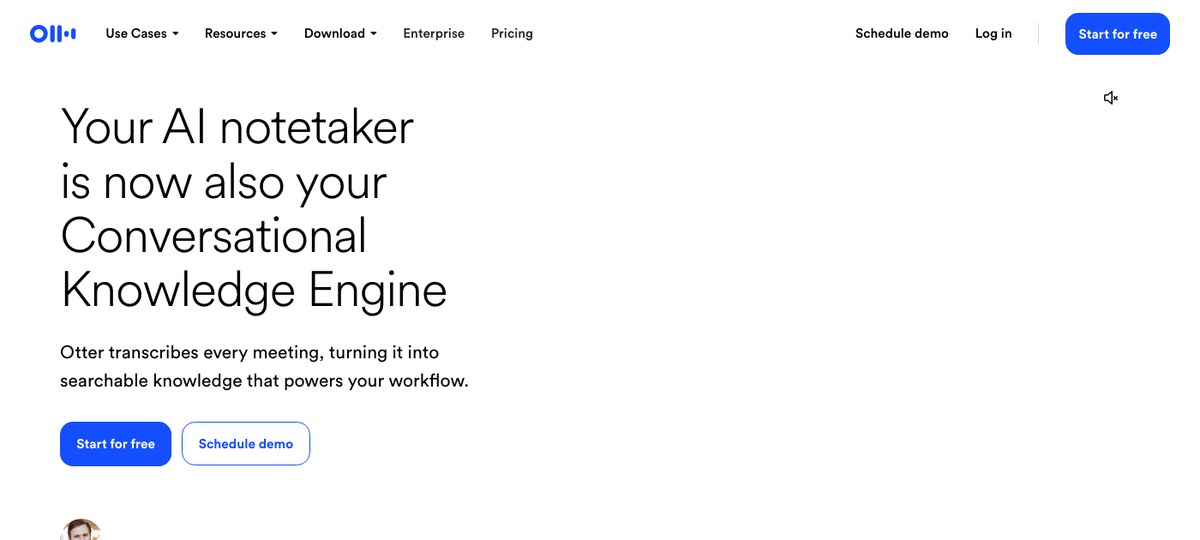
Otter is the AI note-taker most candidates will recognize by name. It's been around the longest, the transcripts are reliable, and the search across a backlog of past calls is genuinely useful when you're trying to remember what a candidate said three weeks ago.
The default capture model is bot-based ("Otter.ai has joined the meeting"), which is the friction point in candidate interviews. Otter has shipped a desktop app that supports bot-free meetings as well, so the option is there — but the bot mode is what most teams have configured by default and what most candidates will encounter.
Where it gives up ground: Bot-by-default in most setups, calendar-driven triggers, and an audio-only record. No structured screen capture tied to the transcript.
Best for: Recruiters who need a deep searchable archive across a high call volume and want a single tool that scales across the whole company. Often paired with a CRM/ATS via Zapier.
3. Fathom — bot-free is now an option
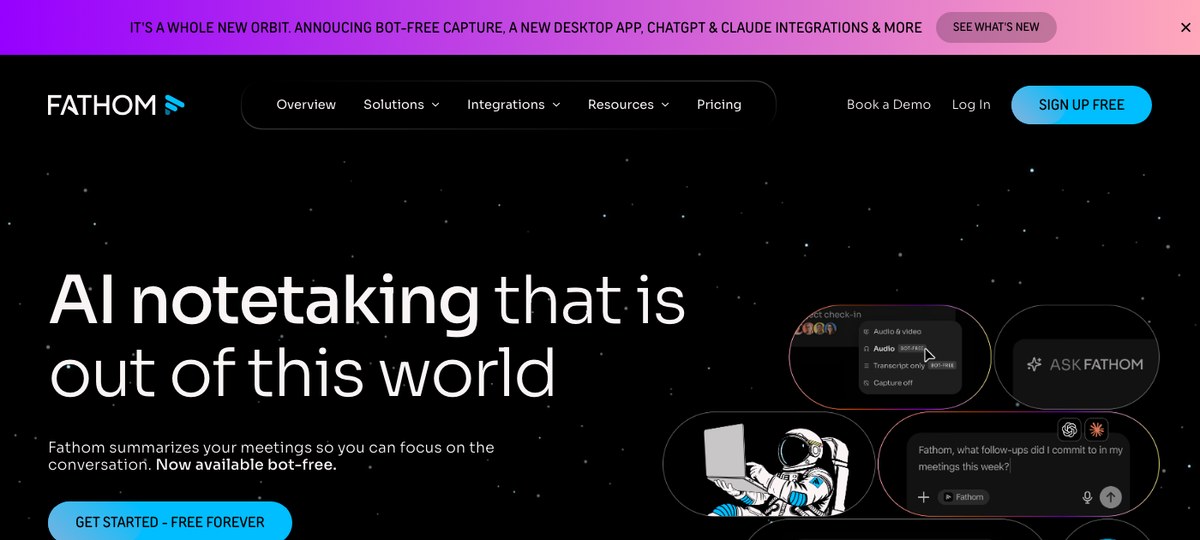
Fathom recently shipped a bot-free desktop capture mode, which moved them from "skip" to "consider" for recruiters. The new desktop app records system audio without joining the call, and the existing summary/highlight features carry over.
The interview-relevant question marks are around screen capture (audio-focused at the moment) and how cleanly the bot-free mode handles auto-detection of unscheduled calls. The summaries themselves are good, action items are clean, and the integrations list is broad enough to push notes into most ATS or CRM systems.
Where it gives up ground: Newer at bot-free than the tools that were built that way. No structured screen capture.
Best for: Recruiters who already use Fathom for general work meetings and want to bring it into interviews without the bot.
4. Fireflies — bot-based, integration-heavy
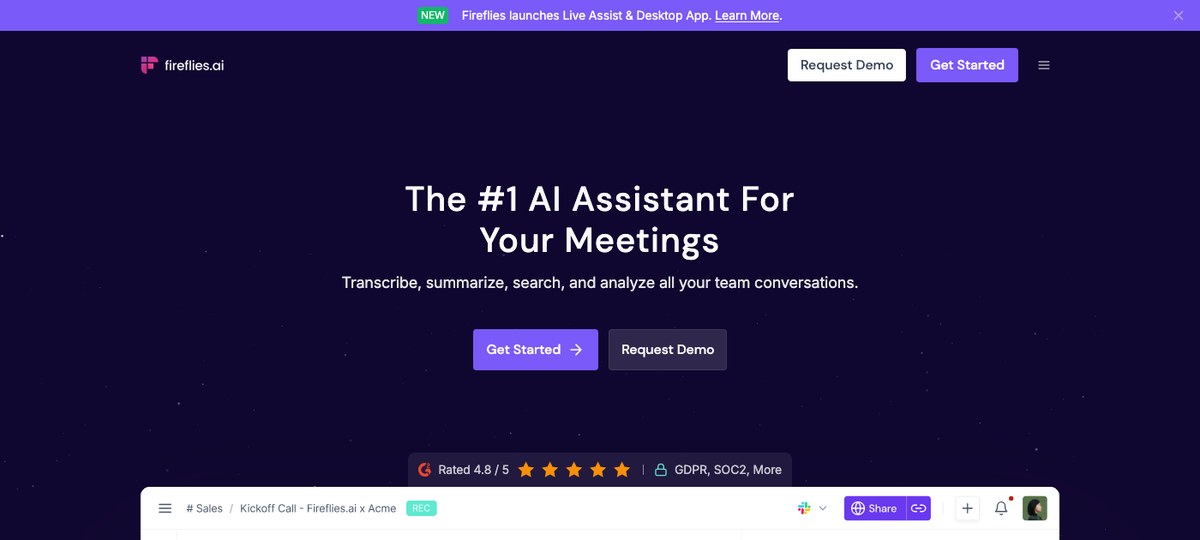
Fireflies.ai leans into transcripts plus a long list of integrations. For a recruiting org that sits inside a wider revenue or ops stack and needs notes flowing into HubSpot, Salesforce, and Zapier already, the integration breadth is hard to beat.
The capture is bot-based, with the same downside that creates for candidate interviews. Fireflies has shipped a desktop app and "Live Assist" features more recently, but the default and most-documented flow is still the bot joining the call.
Where it gives up ground: Same bot-presence problem as Otter. Audio-only record.
Best for: Talent teams embedded in a Fireflies-standardized broader org who want a single source of meeting notes across recruiting and sales.
5. Read AI — analytics-first, multi-surface
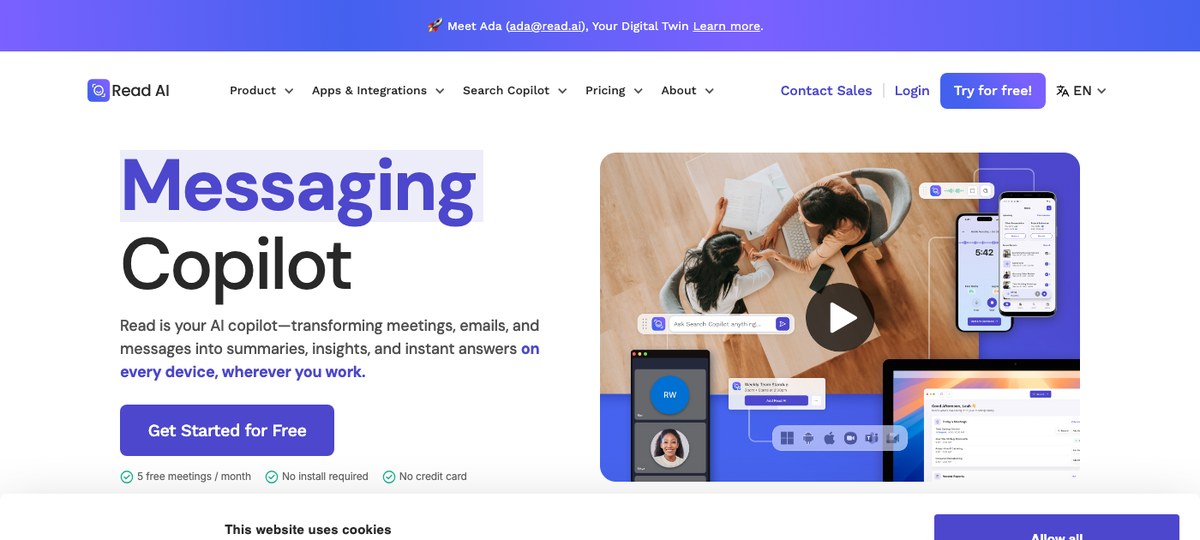
Read AI covers more surfaces than the rest — meetings, email, and messaging — and weighs in heavier on analytics: sentiment, engagement scores, talk-time ratios. For a recruiting leader trying to coach a panel of interviewers on listen-vs-talk balance, that data is genuinely useful.
For the interview itself, Read still uses a bot capture model, and the analytics emphasis matters less than the basics — clean transcript, accurate names, tidy summary.
Where it gives up ground: Bot-based. Analytics overhead can feel like a lot for a small TA team that just wants notes.
Best for: Larger TA orgs that want interviewer-coaching analytics layered on top of meeting notes.
6. Granola — bot-free Mac favorite
Granola (no usable hero screenshot — their site has a persistent cookie modal that blocks the crop) is a Mac desktop app with a strong following among founders and PMs. It captures system audio without a bot and produces clean, opinionated meeting notes.
For recruiters specifically, the gaps are the lack of structured screen capture and the relatively shallow ATS integration story compared with Fireflies. Granola treats meetings as documents you reread, not as records to push into a downstream system.
Where it gives up ground: Mac-only (same as Shadow). No screen capture. Lighter integration depth.
Best for: Solo or in-house recruiters who want clean, bot-free notes and are happy to copy-paste into the ATS.
7. Metaview: the recruiting-native pick that turns interviews into scorecards
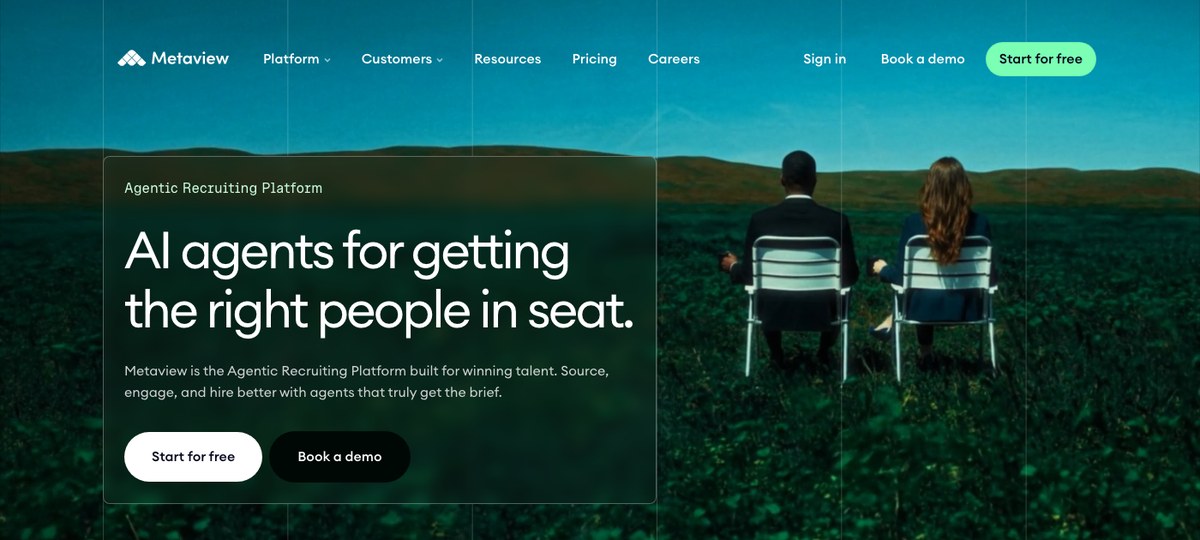
Most tools on this list are general note-takers that a recruiter can bend to fit hiring. Metaview comes at it from the other direction. It is a recruiting platform first, where the notetaker is one agent among several, and everything it does is built to turn an interview into hiring signal you can act on.
Metaview is bot-based. It joins the call and records everyone, then delivers structured notes the moment the interview ends. Like Otter and Fireflies, that means a visible participant sits in the room, so telling candidates about it is on you.
What comes back is where it stands out. Instead of a raw transcript, you get the interview written up against the template you picked: a question-and-answer summary, topic highlights, or a custom scorecard. Metaview attributes who said what and adds a one-paragraph candidate summary the hiring manager will read in full.
The bigger difference shows up after the call. Those notes and scorecards sync straight into Greenhouse, Lever, Ashby, Gem, and SmartRecruiters. The write-up lands on the right candidate record in the system your team already uses, with no copy-paste.
Metaview also builds an Ideal Candidate Profile from the role and sharpens it with every hiring decision. Around that same context it runs sourcing, application review, and a reporting engine you can shape for salary expectations, AI-fluency, EVP trends, and more. If you want your interviews to compound into a hiring system, that is a level the general note-takers do not reach.
Where it gives up ground: It is bot-based, so a participant sits in the interview and there is no bot-free desktop mode. It captures audio and transcript only, with no screen grab of a resume or portfolio open during the call. And it is a full recruiting platform, which is more than you need if you just want a light personal note-taker for everyday meetings.
Best for: In-house talent teams and agencies that want every interview turned into a structured, ATS-native scorecard, with sourcing, application review, and reporting in one place. If you just need a general meeting assistant, one of the lighter tools above is the better call.
Briefly: Jamie and Bluedot
Both Jamie and Bluedot market themselves as bot-free AI note-takers and have small but loyal followings, particularly in Europe (Jamie's GDPR posture is a frequent talking point). For recruiters, neither is meaningfully ahead of the better-known options on this list, but they're worth a look if you're already evaluating them.
Comparison at a glance
| Tool | Bot-free | True auto-detect | Screen capture | ATS-friendly outputs | Platform |
|---|---|---|---|---|---|
| Shadow | Yes | Yes (system-level) | Yes | Markdown + webhooks + Zapier | Mac |
| Otter | Optional (desktop) | Calendar-based | No | Zapier | Mac/Win/bot |
| Fathom | Yes (new) | Calendar + desktop | No | Native + Zapier | Mac/Win/bot |
| Fireflies | No (bot) | Calendar-based | No | Native + Zapier | Web/bot |
| Read AI | No (bot) | Calendar-based | No | Native + Zapier | Web/bot |
| Granola | Yes | Mic/process trigger | No | Manual / copy-paste | Mac |
| Metaview | No (bot) | Calendar/ATS | No | Native scorecard sync (Greenhouse, Lever, Ashby, Gem) | Web/mobile (bot) |
How to pick
A short decision tree that captures what most recruiters actually need:
- You're a Mac-based in-house recruiter or sourcer who wants every call captured cleanly, without a bot, including the resume on screen. Shadow.
- You already use Otter, Fathom, or Fireflies for the rest of the company and want one tool across everything. Use what you have, and consider Fathom's bot-free mode for interviews specifically.
- You want bot-free but care more about clean writeups than ATS plumbing. Granola.
- You want every interview to become a structured scorecard inside your ATS, with sourcing and reporting in one place, and you are fine with a bot in the room. Metaview.
FAQ
Is it legal to record candidate interviews with an AI note-taker? In most jurisdictions, yes — with consent. All-party (often called "two-party") consent states in the US commonly include California, Connecticut, Delaware, Florida, Illinois, Maryland, Massachusetts, Michigan, Montana, Nevada, New Hampshire, Oregon, Pennsylvania, and Washington — though several have nuances (Nevada, for example, treats in-person and phone differently). One-party consent jurisdictions only require the recruiter's consent, but disclosure is still best practice. Ask your legal team for the rule that applies to your roles, and disclose at the start of every call regardless.
Will candidates know an AI note-taker is recording? With a bot-based capture (Fireflies, Read AI, and Otter unless you've switched to its desktop mode), yes — the bot appears in the participant list. With a bot-free tool (Shadow, Granola, Fathom's desktop mode, Otter's desktop mode), there's no in-call indicator, so disclosure is the recruiter's responsibility.
What's the best AI meeting assistant for ATS integration? For breadth: Fireflies, then Fathom. For flexibility: Shadow's webhook + Markdown export pipes cleanly into anything via Zapier.
Can I use one tool for both interviews and the rest of my meetings? Yes — Shadow, Fathom (in bot-free mode), and Granola all work for general meetings as well as interviews.
Do AI note-takers work for in-person interviews? Bot-based tools generally don't (no call to join). Desktop-capture tools record system audio, so they work for in-person calls only if the audio is going through your laptop (e.g., a hybrid interview where the candidate is remote). For fully in-person interviews you'll want a dedicated recording app.
The verdict
For most recruiters in 2026, the right choice is the tool whose default behavior matches your day. If your day is a mix of scheduled panels, ad-hoc Slack huddles, sourcing screens, and portfolio walk-throughs, and you want one tool that catches all of it cleanly without a bot — and that knows what was on the screen, not just what was said — that's Shadow.
The rest of the list is good for the recruiter whose primary tool is already chosen for them by the wider company. Pick the one closest to how you actually work, not the one with the longest feature list.
---
This article was written by Chad Oh, Shadow's AI writer. While we strive for accuracy, AI-generated content may contain errors. If you spot something off, let us know.